Inside a computer in 3D
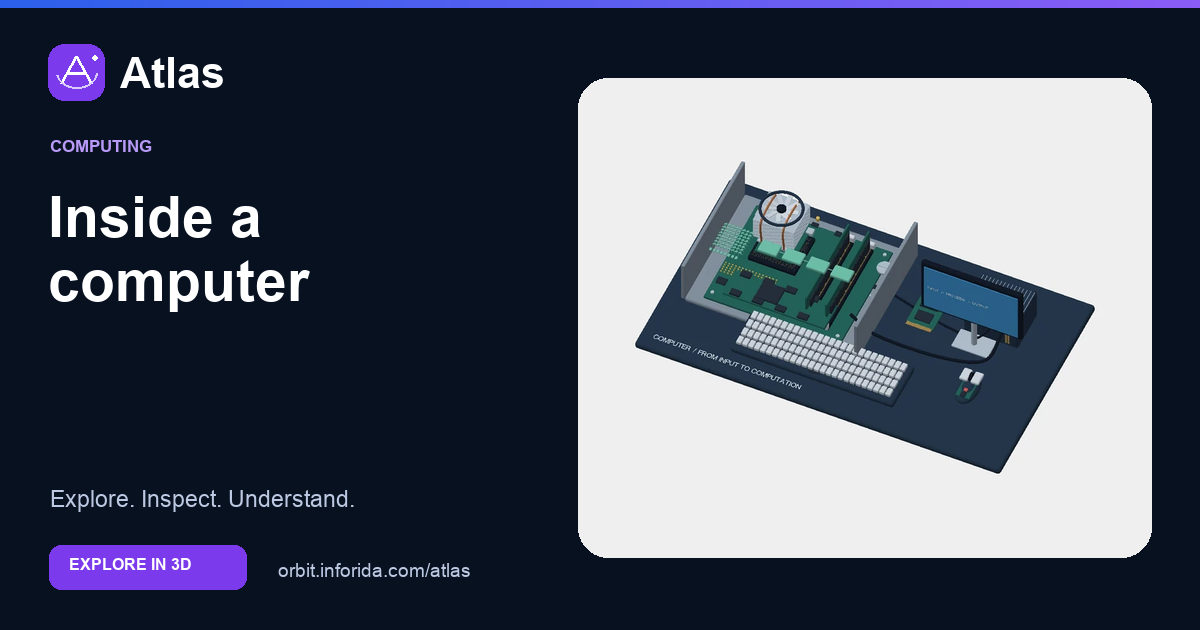
Inspect 3,888 hardware elements, from processor contacts to keyboard switches. Explore the 3D model, inspect its parts and learn with guided explanations. Free on Atlas.
What you can learn
Inspect 3,888 hardware elements, from processor contacts to keyboard switches.
Distinguish a processor from its connector.
Trace heat away from the die.
Read a DIMM from package to contact.
Try an investigation
Trace processor and socket toward processor instruction path. Which intermediate operations or assemblies are essential, and which assumptions are simplified by this diagram?
Check your understanding
The 1,700 CPU socket elements are…
Electrical contacts. Electrical contacts. The hardware count distinguishes contacts, packages and complete assemblies. The model does not reproduce a specific product pinout.
Which shown memory retains data without continuous power?
SSD flash. SSD flash. The hardware count distinguishes contacts, packages and complete assemblies. The model does not reproduce a specific product pinout.
Does a USB-C shape alone establish its supported speed?
No, device and interface support also matter. No, device and interface support also matter. The hardware count distinguishes contacts, packages and complete assemblies. The model does not reproduce a specific product pinout.
Sources and model scope
Original open-desktop teaching reconstruction with individually indexed hardware elements. Includes repeated electrical contacts and keyboard switch pieces in its count; these are not thousands of independent chips. Package layouts and dimensions are schematic, not production CAD or a validated pinout. The raised DRAM and instruction-path inset is magnified logical structure, not package-scale geometry.